
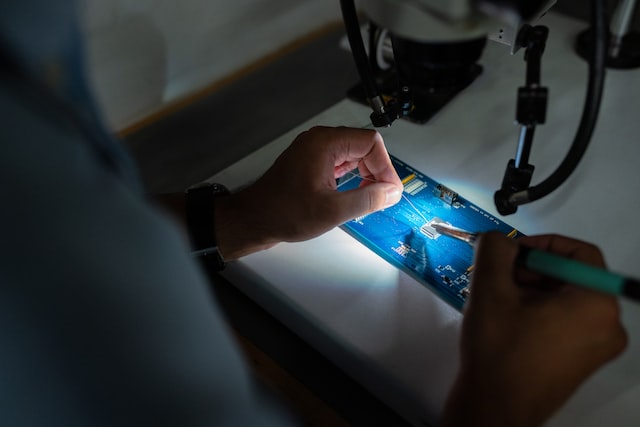
When you take a device to a mobile repair shop for various issues and inform the technicians that your device fell into the water or you spilled liquid on the gadget; then the mechanics at repair shops will give priority to that client. The reason is that water penetrates quickly deep into the device.
Clues Technicians at a Mobile Repair Shop look for
Many people might think that gadget users shouldn’t know about the clues that indicate that the device has been damaged because they have to take the gadgets immediately to the repair shop. It is true that taking the device immediately is recommended but this process might take a couple of hours or even a day or two. So, in the meanwhile, you should look for the following clues indicating water damage.
Water Droplets on the Screen
The first thing that you check is the presence of water droplets on the screen. It is important for cell phone users to remove the screen protector and clean the LCD display. It will be a good thing that the water has not reached the phone’s interior.
Damage to the Charging Port
The charging port is one of the two sources through which the water can reach the inside phone. Water penetration in the charging port will disable the charging. It is important to dry the device and connect the charger for checking.
Proper Inspection of the Liquid Damage Indicator
When you take out the SIM from the slot in an iPhone; you might see a colored strip. If the color indicates red; then it means that the device has suffered intense damage. In Android or other Smartphone devices, this liquid damage indicator is present where the battery is. So, special tools are needed to open the casing and remove the battery.
An Issue with Device Turning on
Many people have made complaints that their device is charging but not turning on. The reason can be that the water has dried out from the charging port but not from the interior. This is a big reason according to repair stores like Cell Pros Fresno why the device is having an issue turning on.
Electronics Repair Store in Fresno Suggesting Tips
When the water reached the interior of the gadgets it can cause damage to the functions by harming the motherboard. Sometimes the damage intensity increases because precautions are not taken. So, to avoid further damage these tips have to be followed.
Shut Down the Mobile Devices
The initial thing to do is to remove the device from the water and then shut down the gadget. This will help with better computer repair and services. If the device is running with water inside then the damage will increase.
Take Out Three Important Accessories
There are three important accessories that have to be removed immediately to avoid losing the data and corrupting everything. These three things that should be removed include SIM, memory card, and the battery.
Work with Various Things to Dry the Devices
The best things to work with to dry electronic gadgets should include towels, silica gel, and cotton fabric. to dry the external packaging of the gadgets. These things can be used to dry the device’s exterior. Special tools and techniques have to be used to dry up the interior.
Make Efforts to Switch on the Device
Numerous people might advocate against switching on gadgets. These people think that the device will be further damaged. It is important to know that this attempt has to be done after the device has been properly cleaned and dried.
These are the two basic things; signs indicating damage and tips advised by a mobile repair shop that device owners have to consider when gadgets have faced water damage.
Read more interesting articles at Deeptechy




