
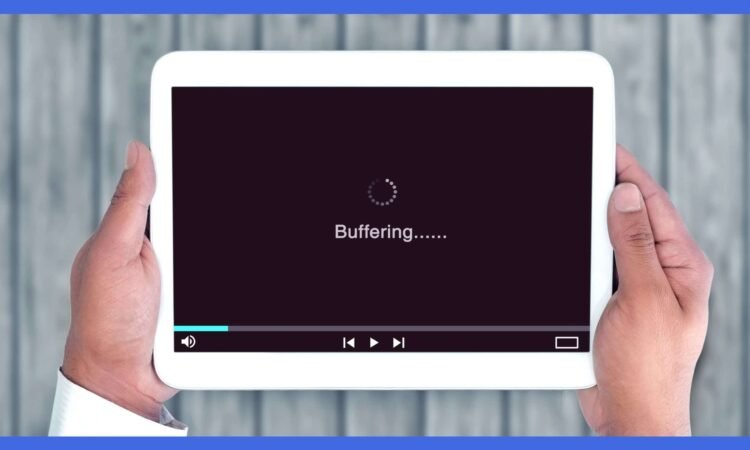
In the age of digital entertainment, streaming has become the go-to method for enjoying movies, TV shows, music, and more. However, there’s nothing more frustrating than having your viewing experience interrupted by constant buffering. The culprit? Internet speed. In this blog, we’ll delve into the crucial role of internet speed in streaming and how it can be the difference between a seamless viewing experience and endless buffering.
The Need for Speed
When you stream content over the internet, your device retrieves data from a remote server and displays it in real-time. To ensure a smooth viewing experience, your internet connection must deliver the content to your device as quickly as you’re consuming it. Speed test tm will help you understand the current speed of your internet connection. Here’s why internet speed is paramount for streaming:
1. Buffering vs. Seamless Playback:
Buffering occurs when your internet connection can’t deliver data to your device as fast as you’re watching it. As a result, your device has to pause playback to load more content, leading to that frustrating spinning wheel or loading bar. A fast internet connection minimizes buffering, allowing you to enjoy your content without interruptions.
2. Video Quality:
Internet speed also determines the quality of the stream. Most streaming platforms automatically adjust the video quality based on your connection speed. With a slow connection, you may be stuck with lower resolution and poorer video quality.
3. Load Times:
The time it takes for a streaming service to start playing a video is influenced by your internet speed. A fast connection means shorter load times, so you can dive into your favorite content right away.
4. Multiple Devices:
In households with multiple devices connected to the internet simultaneously, each device is competing for bandwidth. A slow connection can lead to even more buffering as your network struggles to keep up with the demand.
How to Improve Streaming Experience
If buffering is ruining your streaming experience, here are some steps you can take to improve it:
1. Check Your Internet Speed: Use tm speed test to check your current internet speed. Ensure it meets the minimum requirements for the quality you want to stream.
2. Upgrade Your Internet Plan: If you frequently encounter buffering, consider upgrading to a higher-speed internet plan. A plan with more Mbps will provide smoother streaming.
3. Use a Wired Connection: Whenever possible, use an Ethernet cable to connect your device directly to your router. Wired connections are more stable and offer better speeds than Wi-Fi.
4. Close Background Apps: Ensure that other devices or applications on your network aren’t hogging bandwidth. Close unnecessary apps and devices to free up bandwidth for streaming.
5. Adjust Video Quality: Some streaming services allow you to manually adjust video quality. Lowering the quality can reduce buffering on slower connections.
Conclusion
Internet speed is the backbone of your streaming experience. To enjoy seamless playback without buffering, it’s essential to have a fast and reliable internet connection. By understanding the impact of internet speed on streaming and taking steps to optimize your connection, you can immerse yourself in your favorite content without interruptions, ensuring an enjoyable viewing experience every time.




