
Introduction
In today’s digital age, having a reliable Wi-Fi connection is crucial for staying connected to the world. However, it can be frustrating when your Wi-Fi signal strength and range are not up to par. Slow internet speeds and poor connectivity can make even the simplest tasks feel like an eternity. But don’t worry, there are several tips and tricks you can implement to improve your Wi-Fi performance and extend its range. In this article, we’ll explore what factors affect Wi-Fi performance and range, as well as provide you with actionable steps that will help boost your router’s capabilities and keep you connected without any glitches. Visit here and get best wifi router for 200mbps 2023.
What factors affect Wi-Fi performance and range?
Several factors can affect the performance and range of your Wi-Fi router. The first one is interference from other electronic devices, such as cordless phones, microwaves, and even Bluetooth speakers. These devices operate on the same frequency band as your Wi-Fi network, which can cause signal interference.
Another factor that affects Wi-Fi performance is the distance between your device and the router. The further away you are from the router, the weaker the signal will be. This is especially true if there are walls or obstacles in between.
The type of building materials used in your home or office can also impact Wi-Fi performance. Thick concrete walls and metal objects absorb signals, reducing their strength.
Moreover, outdated equipment like old routers or network adapters may not support newer technologies such as 802.11n or 802.11ac standards for faster speeds.
Too many connected devices to a single router could strain its capabilities resulting in slow internet speed for all connected users.
To improve Wi-Fi range and performance it’s important to address these issues by upgrading hardware when necessary and repositioning or relocating your wireless access point where possible for optimum coverage throughout every corner of one’s property .
Tips to improve Wi-Fi performance and range
There are several tips you can follow to improve the performance and range of your Wi-Fi router. One of the most effective ways is to change its location. The position of your router plays a crucial role in determining how far its signal can reach and whether there are any obstructions that may interfere with it.
Another way to boost Wi-Fi performance is by updating the firmware on your router. Manufacturers often release updates that fix bugs, enhance security, and increase network stability, which ultimately translates into better speeds and range for users.
You should also consider upgrading your equipment if it’s outdated or doesn’t support newer wireless standards like 802.11ac or 802.11ax (Wi-Fi 6). These standards offer faster speeds, lower latency, and better overall performance than their predecessors.
In addition to hardware upgrades, optimizing your router’s settings can also improve its performance. For example, disabling unused features such as guest networks or QoS (Quality of Service) can free up bandwidth for other devices on your network.
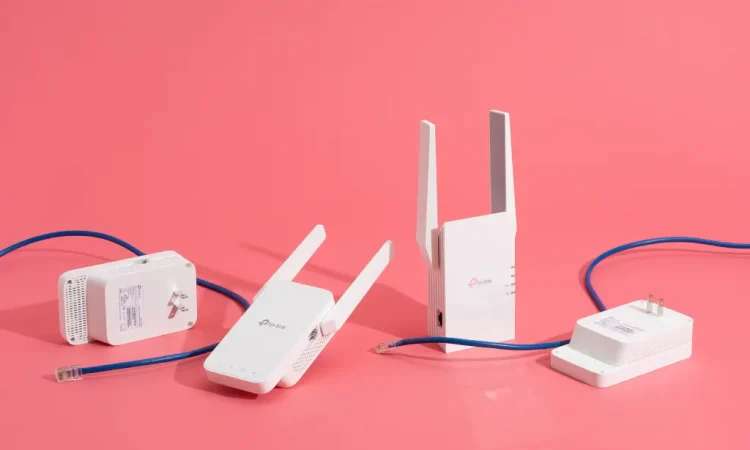
If all else fails, investing in a Wi-Fi extender or mesh system is an excellent way to extend coverage throughout larger homes or spaces where dead zones exist.
By following these tips and implementing them where necessary, you’re sure to see improvements in both speed and range from your Wi-Fi connection!
Conclusion
Improving the performance and range of your Wi-Fi router can significantly enhance your internet experience. By applying the tips discussed in this article, you will be able to enjoy fast and stable connections throughout your home or office.
Ensure that you have placed your router in an optimal location, free from obstructions and interference. Additionally, upgrading to a new router with advanced features such as beamforming, MU-MIMO technology, and dual-band capabilities can vastly improve its performance.
You should also consider adjusting the channel settings on your router to avoid interference from neighboring networks. Moreover, updating firmware regularly is another crucial step towards improving network stability.
Optimizing network security through password protection and WPA2 encryption ensures malicious users cannot exploit vulnerabilities within the network.
Implementing these tips will help maximize the potential of your Wi-Fi connection for uninterrupted streaming of media content or browsing at lightning speed without experiencing any lag times or buffering issues.




